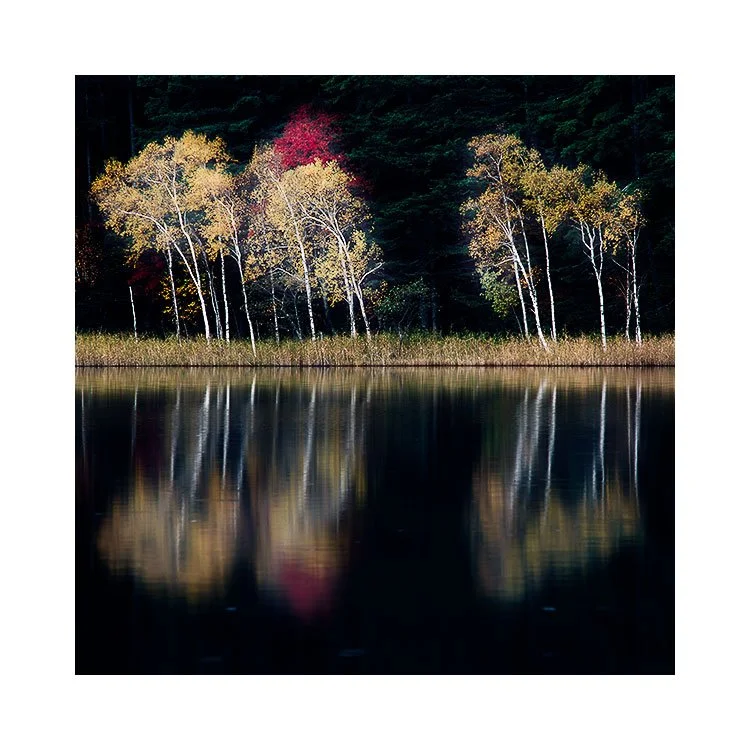
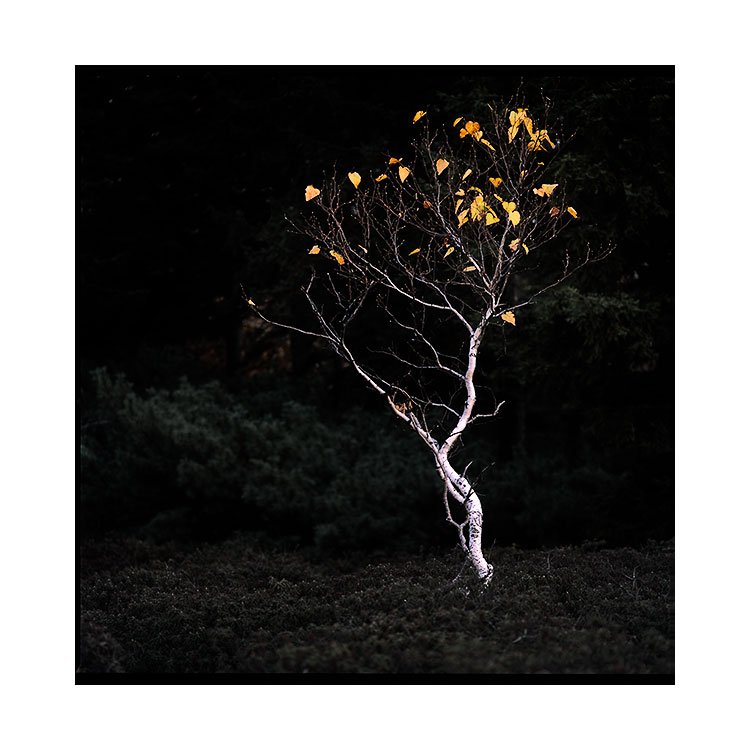
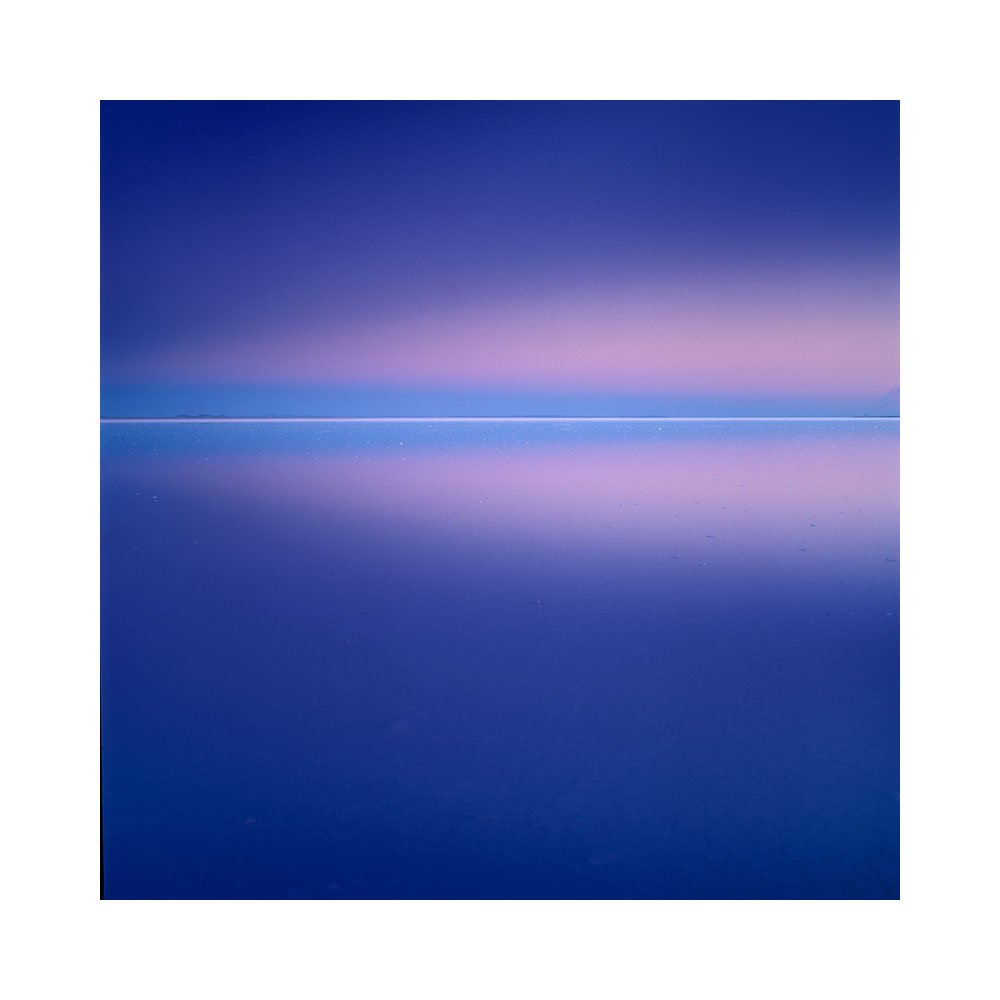
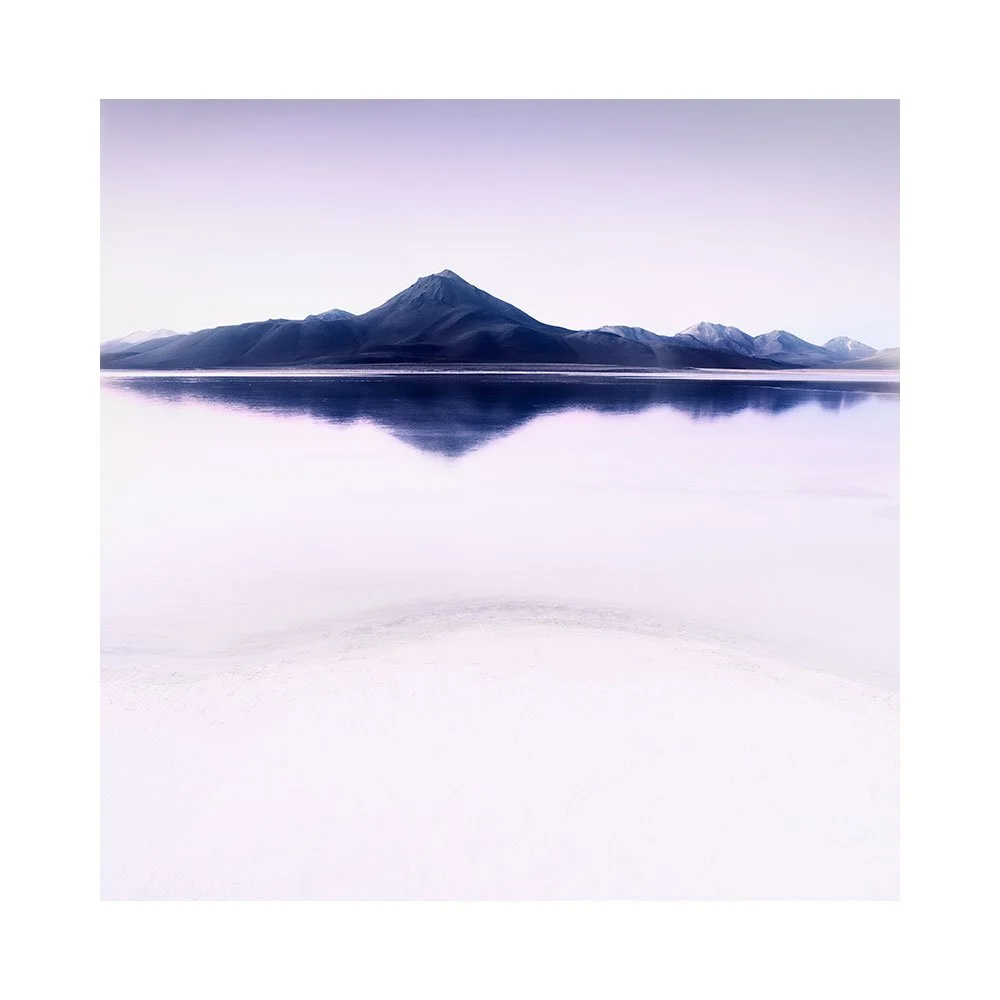
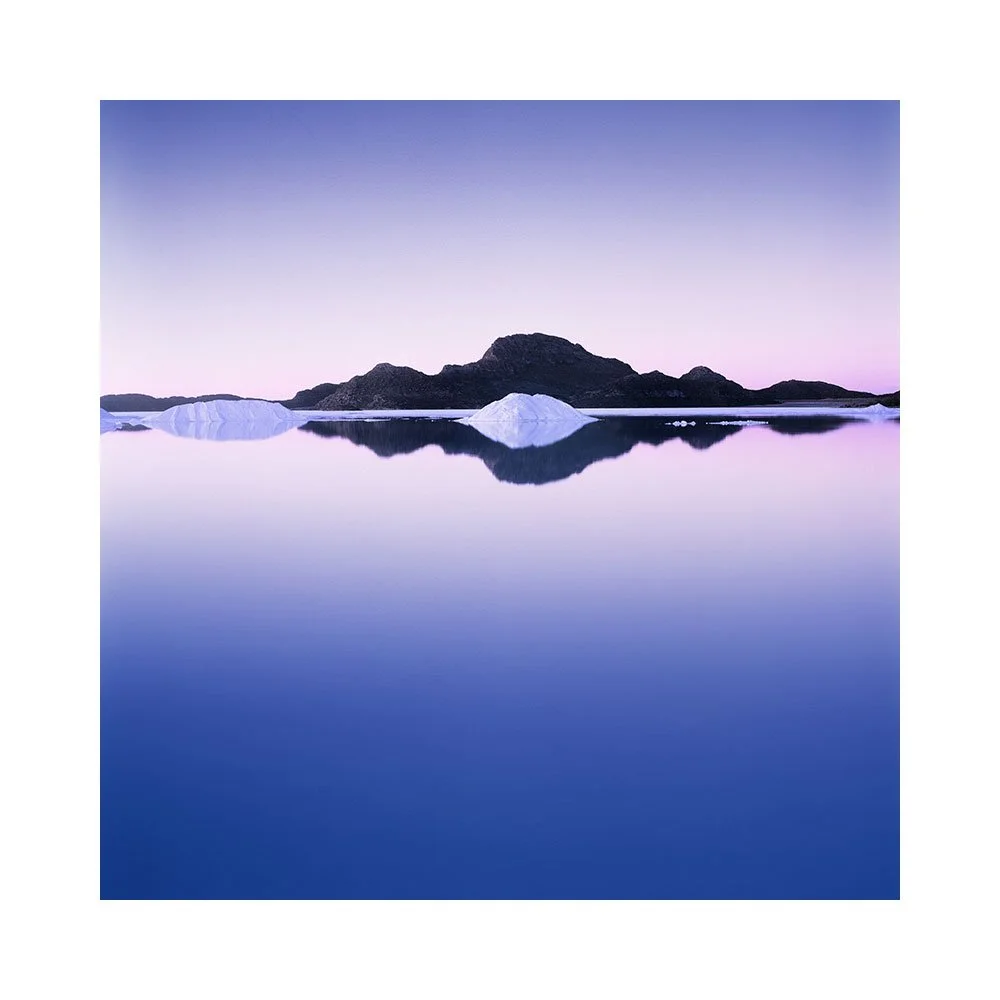
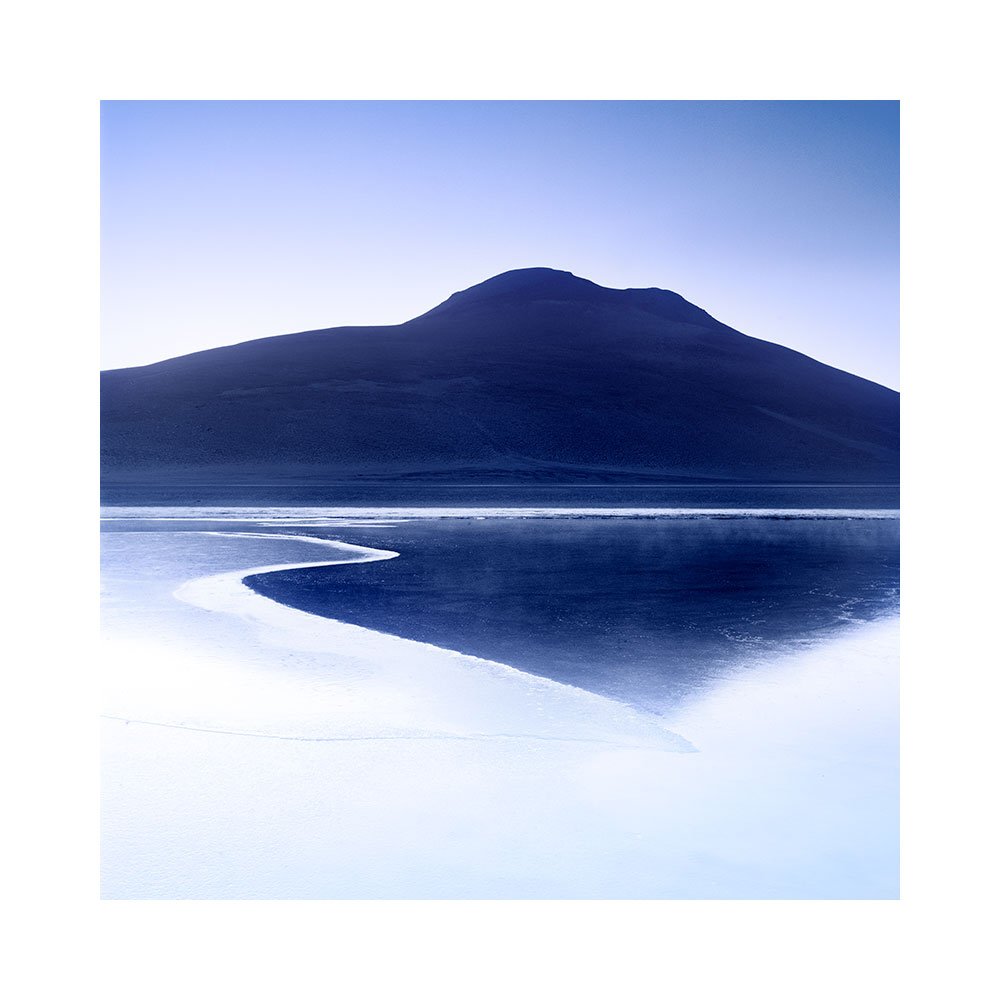
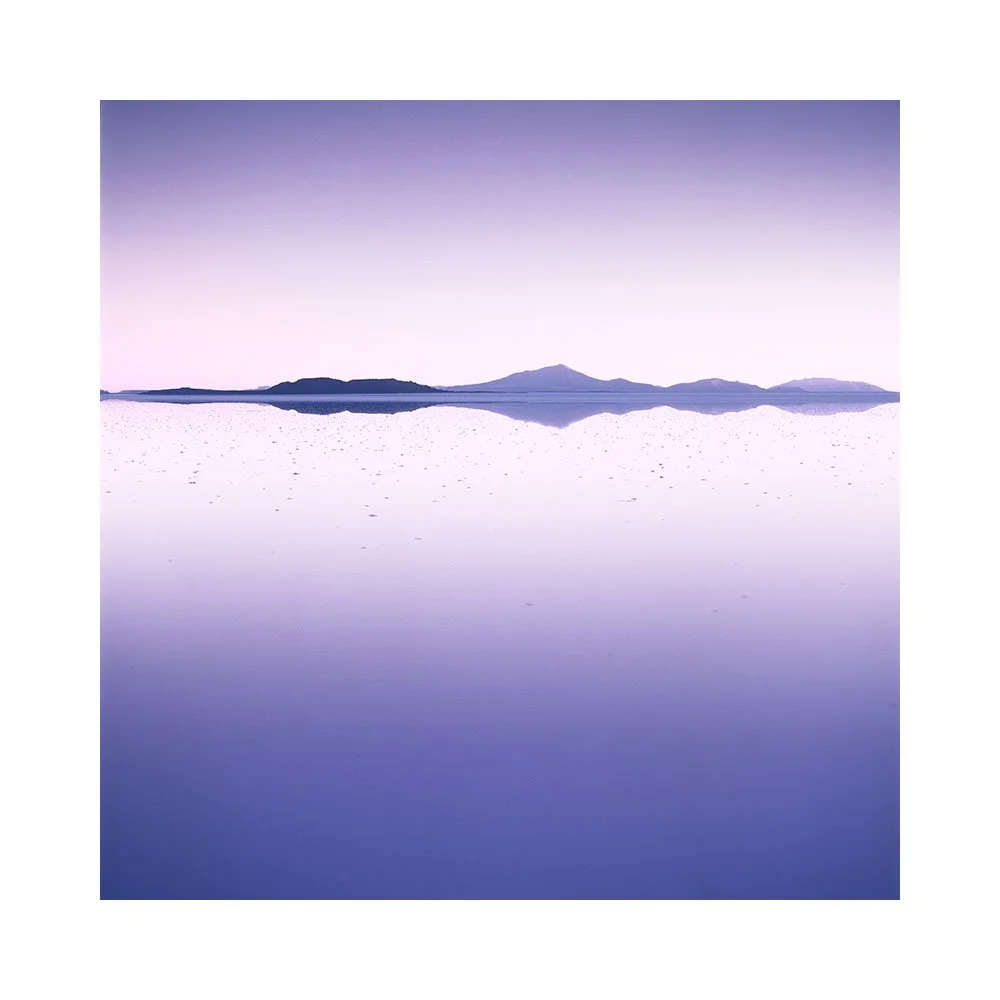
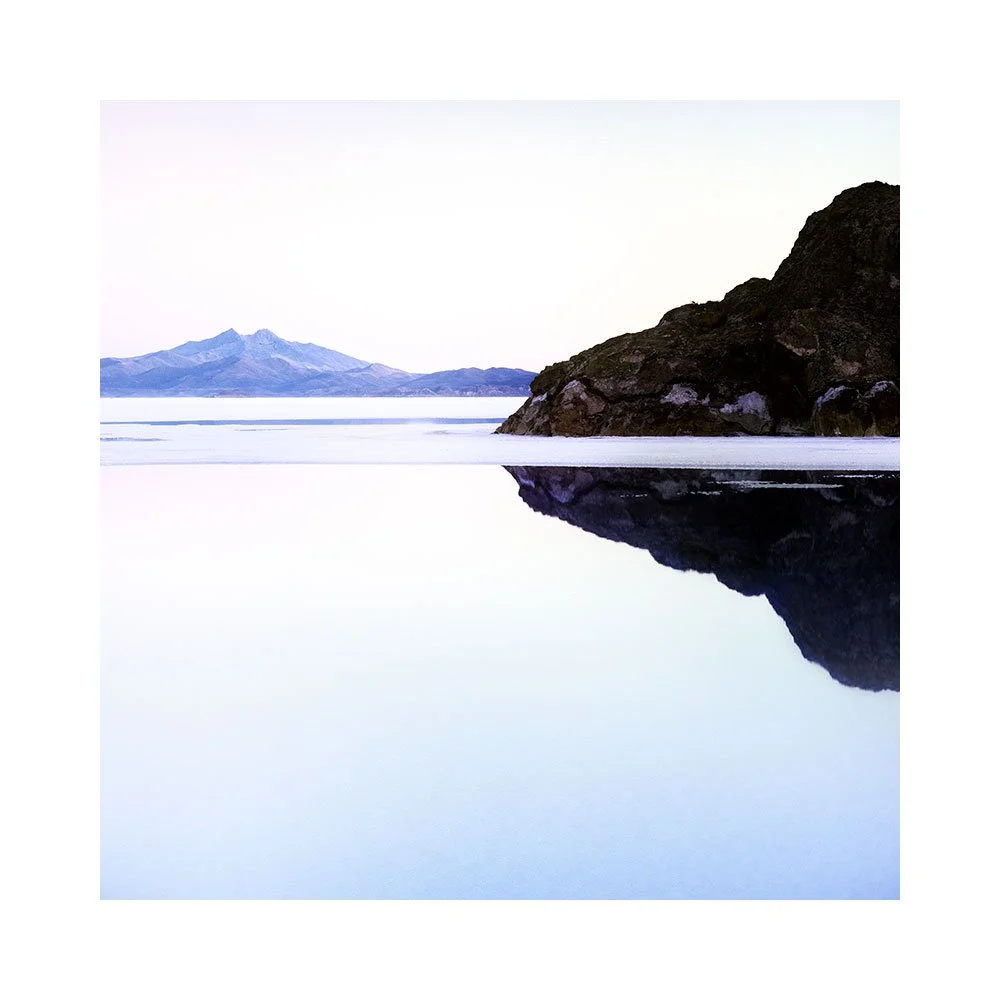
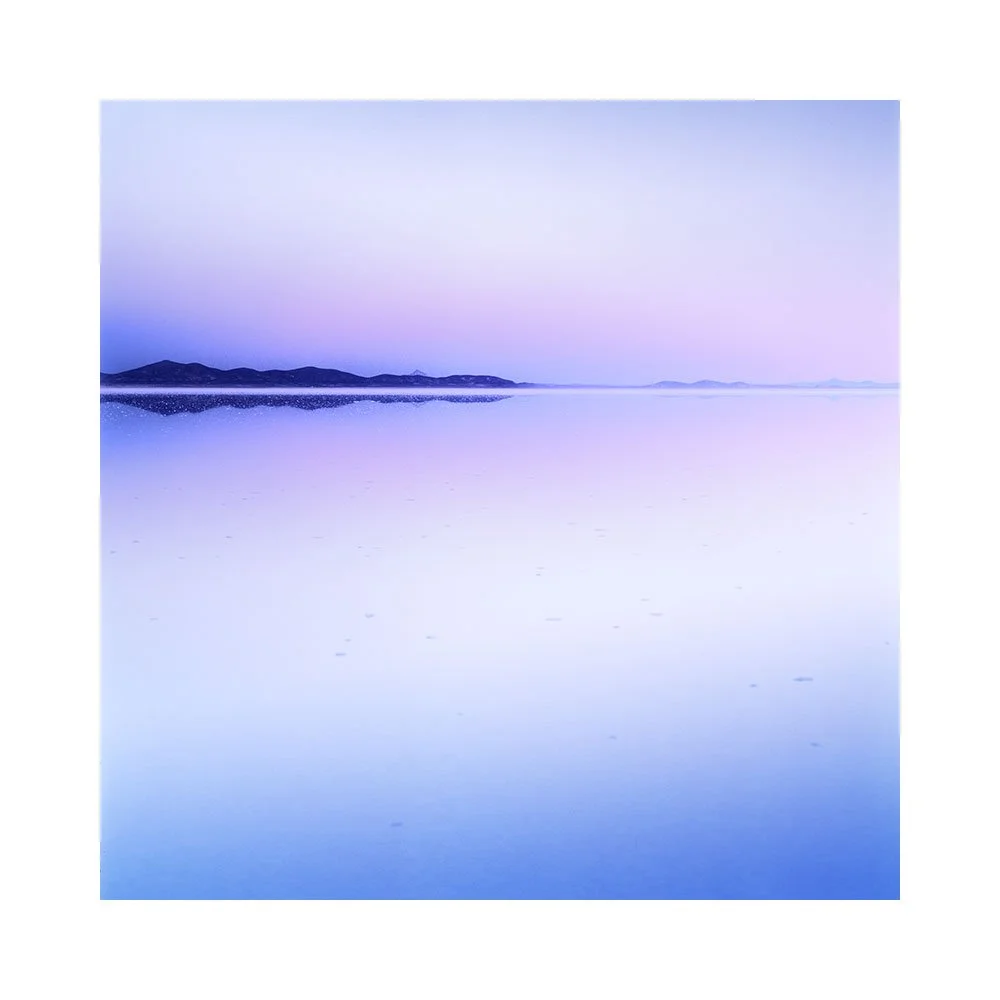
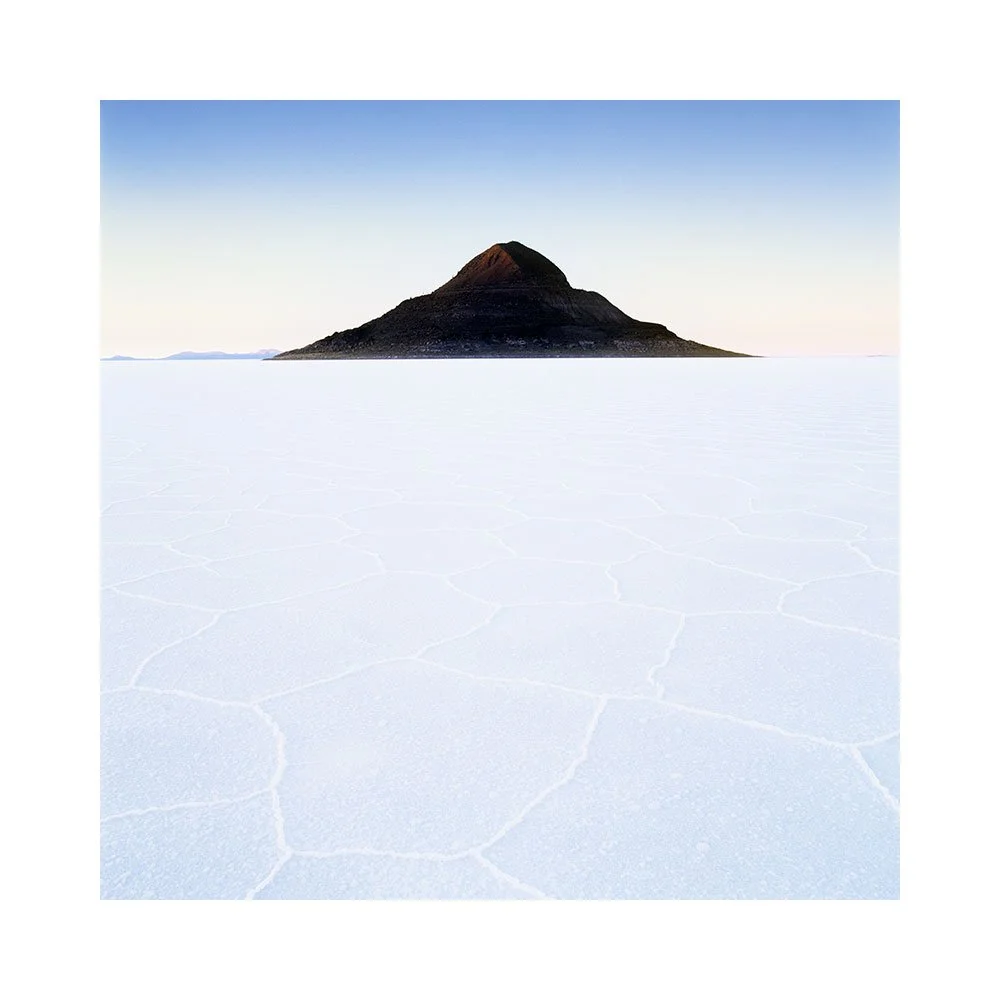
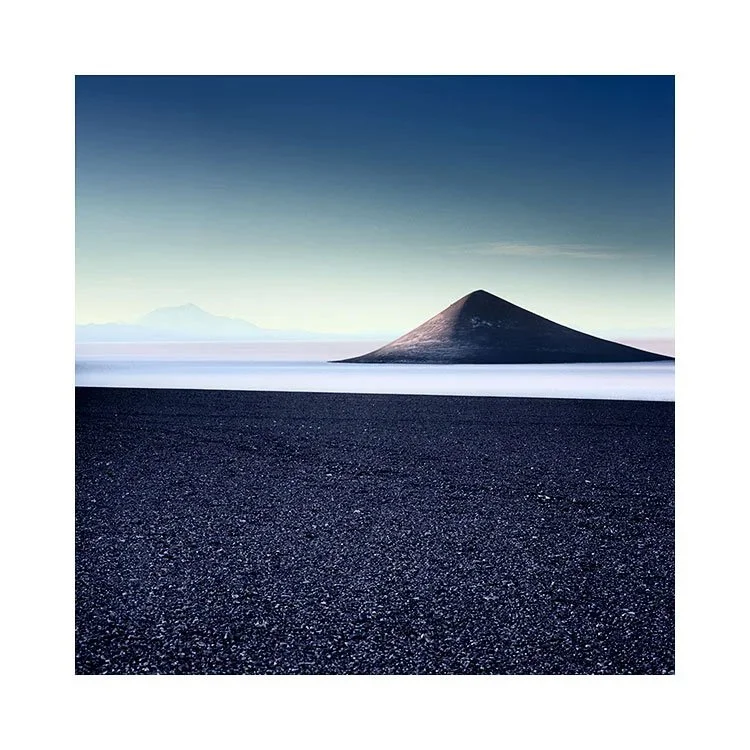
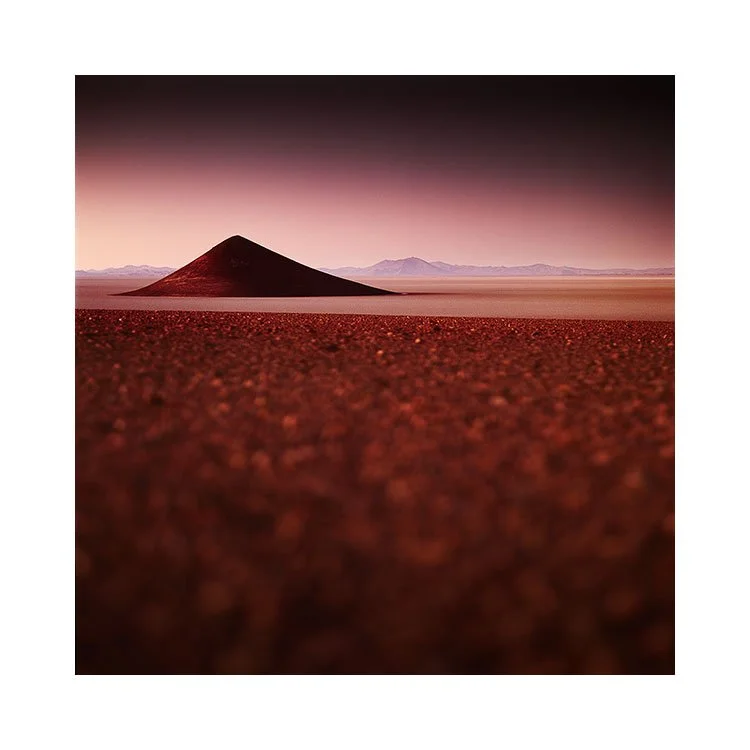
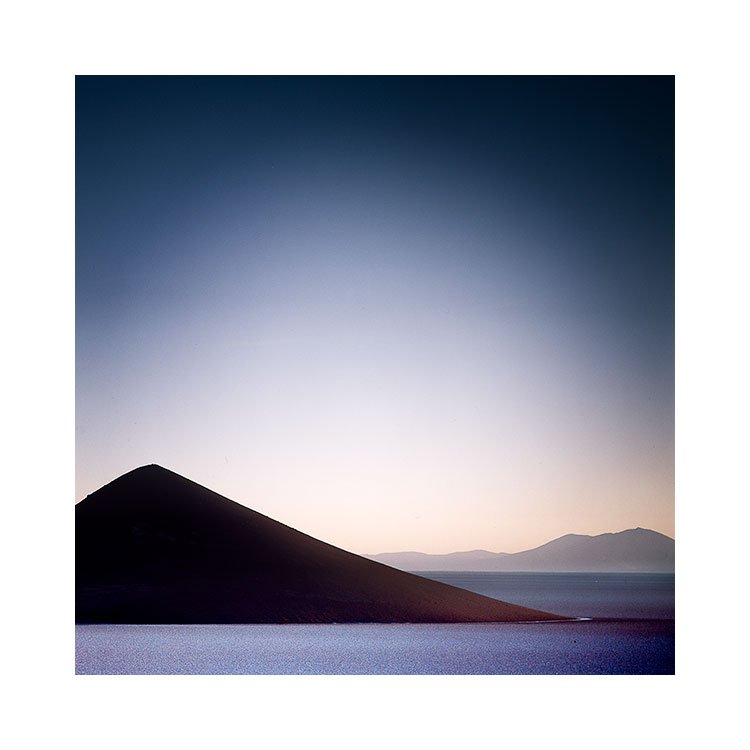
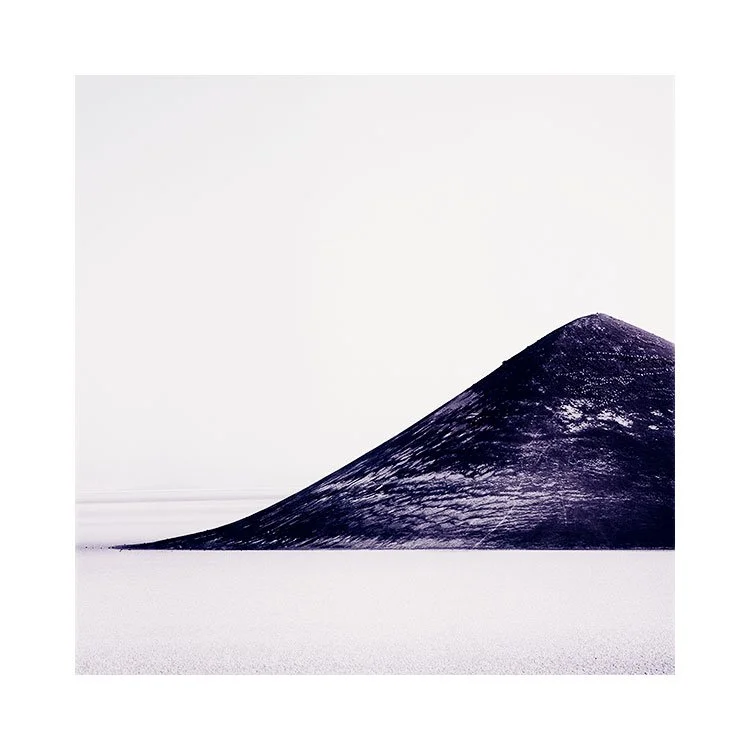
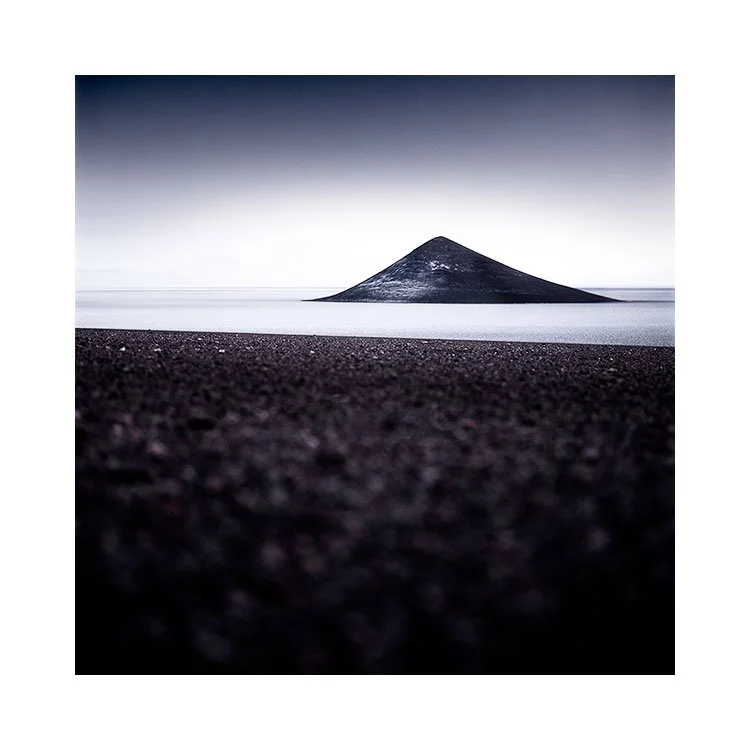
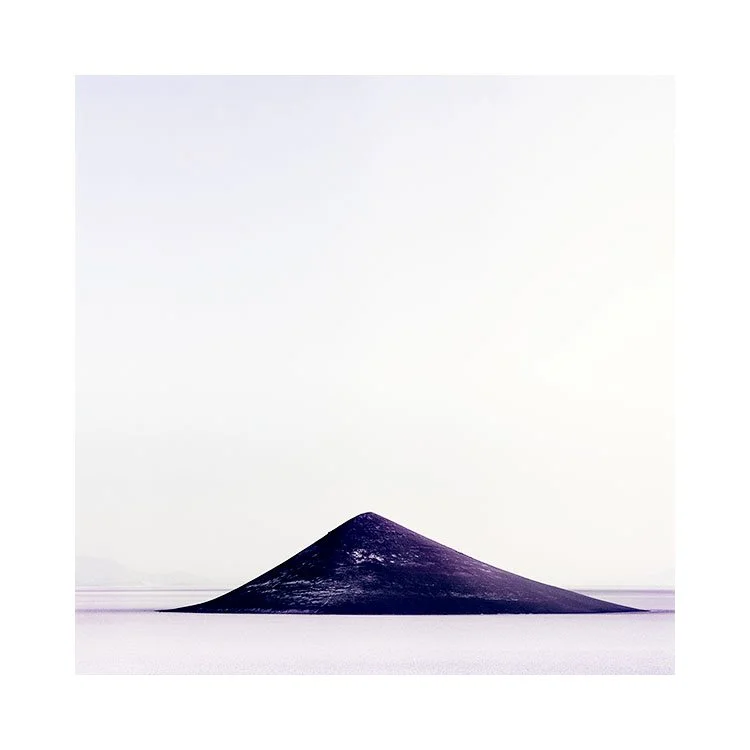
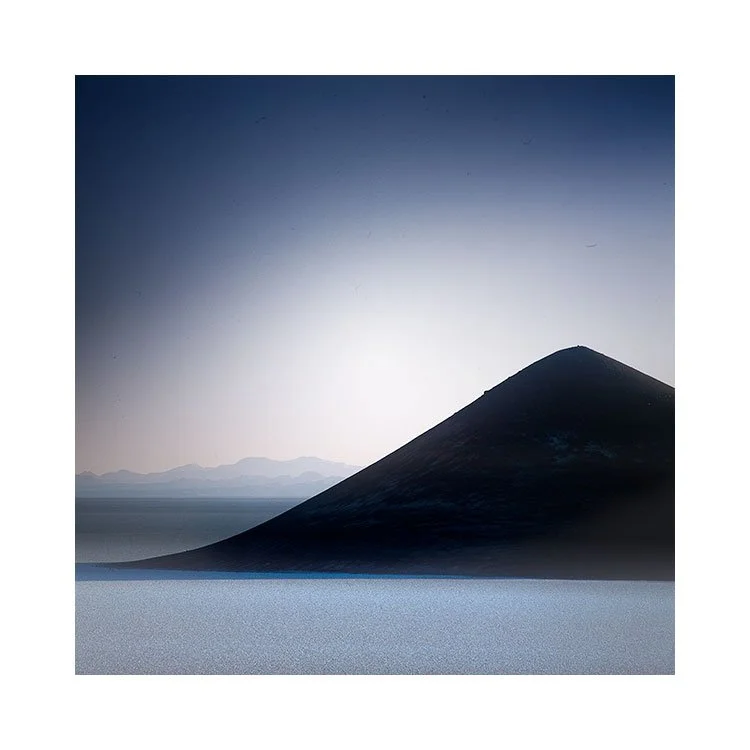
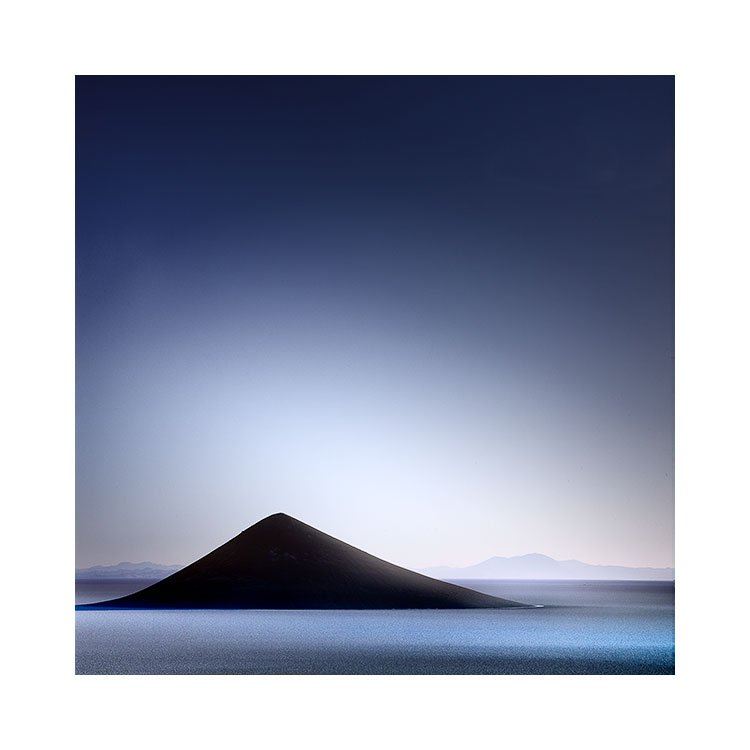
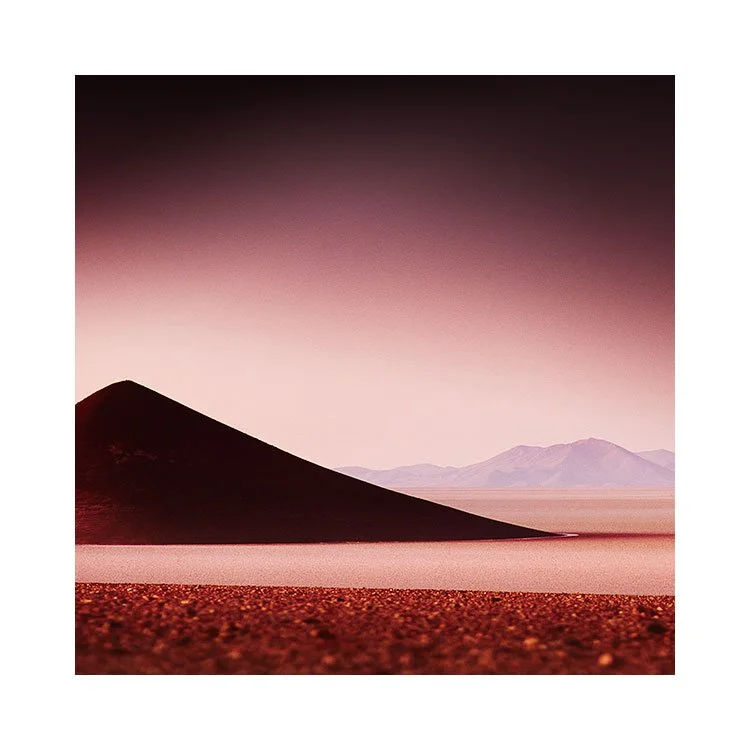
Somehow, since taking my 32 year old print to the framers to get framed up in a more professional frame, I am feeling as if some kind of wrong has been rightened.
I think there is a mixture of emotions going on for me here. Firstly, I am lamenting being older. I wish I was 26 again. Secondly, I am now recognising that the art that I’ve lived with for 32 years has never tired on me. Third, I am realising that the print has history for me. Fourth: I have never fully respected how important it is to me. I’ve had it in the cheapest frame I could buy since my 20’s.
Little did I know back in 1994 I was buying a print that would accompany me through most of my life.
And yet, here it is.
Begging for a better frame. Because the one that it has lived in for 32 years was always an afterthought.
I’ve come to realise that this print is quite important to me. It’s been here for most of my adult life, and in a way, deserves to be presented to its full potential. Rather than being stuck in a cheap frame that I had always assumed ‘will do’.
And this whole episode has got me thinking.
At some point, we have to come clean about our relationship to the art we have around us.
It is either convenience fodder, or it has great meaning. There is no in-between. We either respect it for what it means to us. Or we don’t.
And I think something changed for me this week. I realised that this print was very important to me, and yet this was not reflected in how I was treating it. I needed to get it framed properly. Because a well framed image is able to show us its full potential. Anything less is really holding it back from us enjoying it to it’s full potential.
One way of making a commitment, a statement to the work being indispensable, is to get it framed professionally. Because once you do that, you acknowledge, in concrete terms, that the work is means more to you than you could possibly explain.
—
Postscript: the image is by Polish artist Jerzy Jędrysiak. I used Google Lens tonight to find out who the artist is. So I had bought this image in Krakow, not Prague.